Guides for brands
Reach shops and customers with Galiwala Brand: the screens, what to tap and how it helps.
Other guides: Guides for customers · Guides for partners
Your brand at a glance
Galiwala Brand helps manufacturers and distributors reach shops and customers nearby.
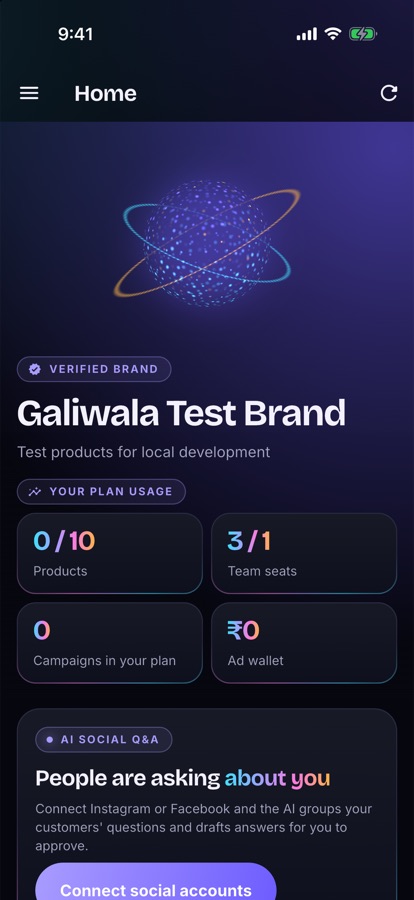
- 1The headline numbers for your brand.
- 2Shortcuts to everything you manage.
- 3What needs your attention today.
Where to find it: Home
▶ Video tutorial in the app: Menu › Tutorials
Products
List your products once; dealers and partners can show them in their shops.
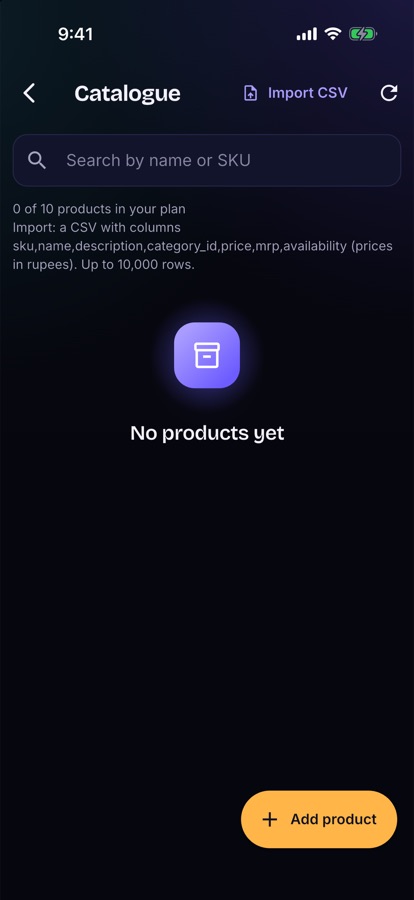
- 1Add products with photos, MRP and key details.
- 2Edit or hide a product any time.
- 3See how many dealers show it.
Where to find it: Catalogue
▶ Video tutorial in the app: Menu › Tutorials
Ad campaigns
Run ads in chosen cities and categories, and see what they bring.
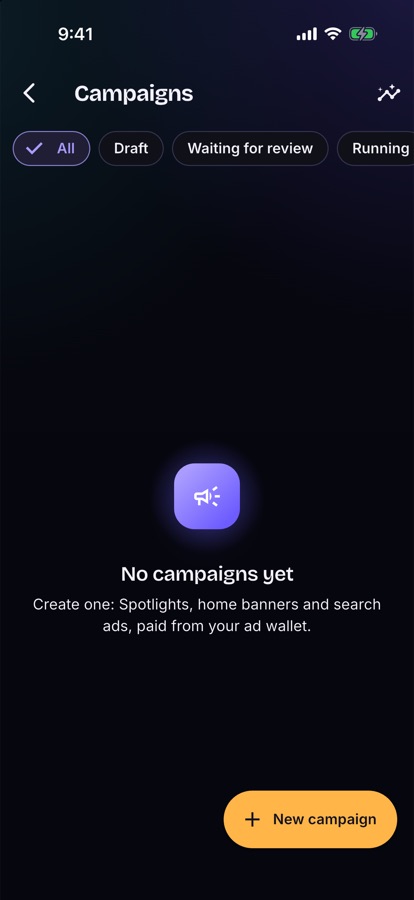
- 1Create a campaign: creative, places, dates and budget.
- 2It runs after a quick review; pause or edit it any time.
- 3Ad performance shows views, taps and enquiries by placement.
Where to find it: Campaigns · Ad performance
▶ Video tutorial in the app: Menu › Tutorials
Coupons and flash sales
Offer a discount that customers redeem at your dealers' shops.
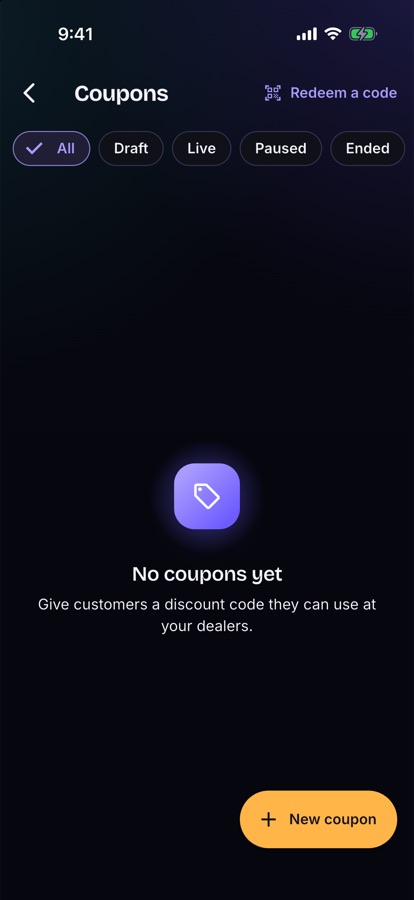
- 1Set the discount, products, dates and limit.
- 2Track how many were redeemed and where.
- 3A flash sale runs a short, timed offer.
Where to find it: Coupons · Flash sales
▶ Video tutorial in the app: Menu › Tutorials
Dealers
Link the shops that sell your products, so customers find the nearest one.
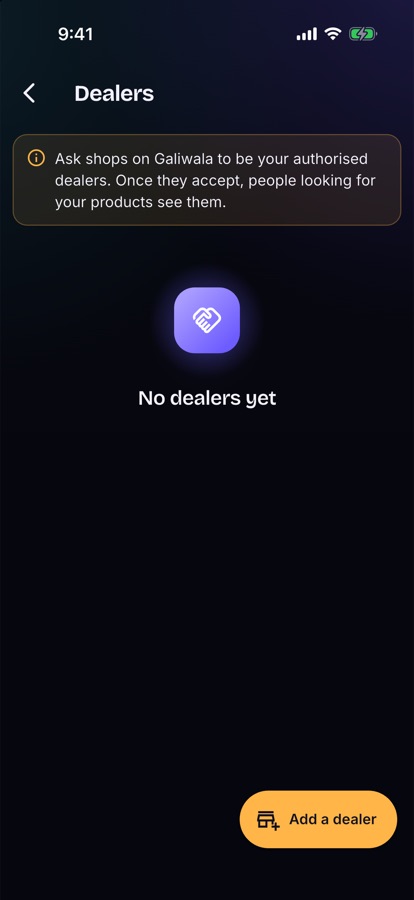
- 1See every linked dealer.
- 2Invite a shop that is on Galiwala.
- 3Approve shops that ask to become your dealer.
Where to find it: Dealers
Social Q&A
Answer customers' questions about your products from Galiwala and your connected social accounts.
- 1Questions from every channel in one list.
- 2Reply once; it is posted back to the right place.
- 3Use a suggested answer from your knowledge base, then edit it.
Where to find it: Q&A · Social
Insights
See reach, enquiries and coupon use by city and product.
- 1Pick the period.
- 2Where interest comes from.
- 3How your offers perform.
Where to find it: Insights
Team, wallet and plan
Add team members with the right access, top up your ad wallet and manage your plan.
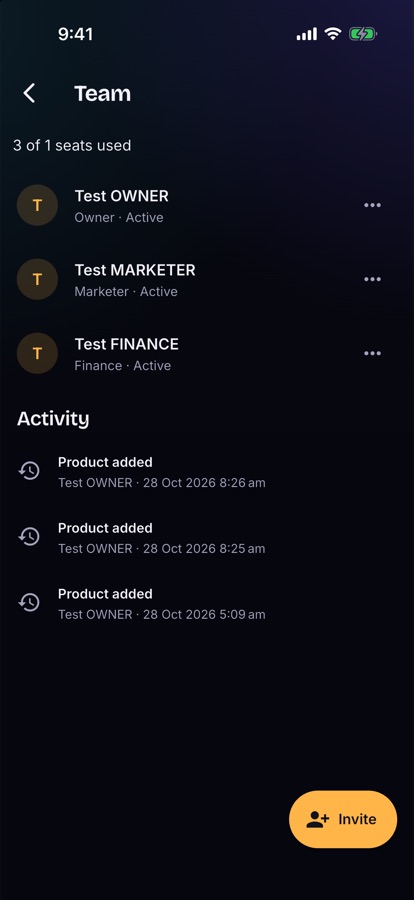
- 1Invite people and choose what each can do.
- 2The wallet pays for campaigns; download statements any time.
- 3See and change your plan.
Where to find it: Team · Wallet · Plans
▶ Video tutorial in the app: Menu › Tutorials