Guides for partners
Grow your business on Galiwala: the screens, what to tap and how it helps.
Other guides: Guides for customers · Guides for brands
Get listed and verified
Set up your business page in minutes; verified partners get a badge and rank higher.
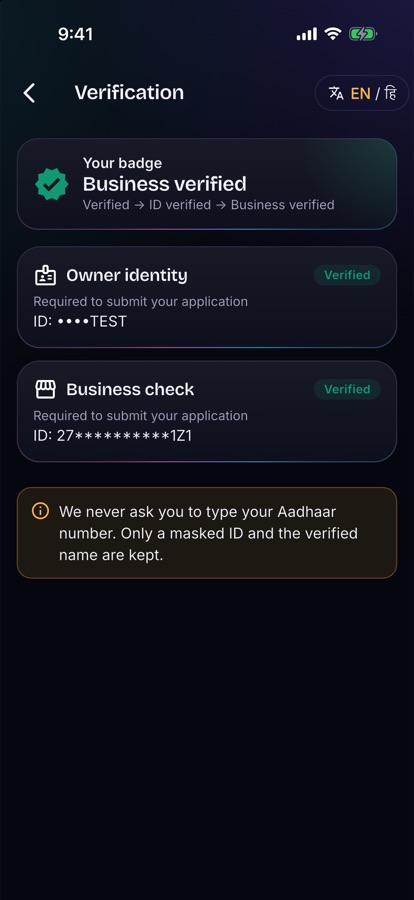
- 1Pick your category and answer the questions of your trade (trainers: where you train, full or part time).
- 2Verify once with DigiLocker.
- 3After approval your page is live and customers can find you.
Where to find it: First open of the app · More › Verification
Answer "Is it available?"
Customers ask before they come. One tap to answer brings them to you.
- 1You see what was asked, never who asked.
- 2Tap Yes or No.
- 3Optionally add price, ready time and a note; a Yes can keep the item searchable for you.
Where to find it: Notification or More › Is it available? questions
Tags and your ranking
Be found for the words customers use, and rise by being active.
- 1Add up to 50 search tags on your profile, and up to 10 on each item and each post.
- 2Your score grows with regular posts, real people engaging, a published menu and answered questions.
- 3Follow the tips to rank higher.
Where to find it: More › Edit profile (tags) · More › Your ranking
Posts and offers
Post photos, offers and tips so nearby customers see you in their feed.
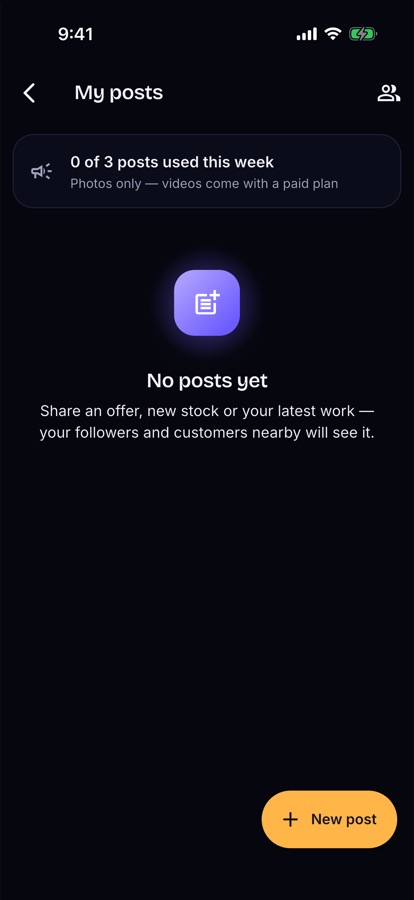
- 1Write a title and add photos (video on paid plans).
- 2Add #tags so customers searching those words find you.
- 3Post now or schedule; followers get notified.
Where to find it: More › My posts › New post
▶ Video tutorial in the app: More › Tutorials
Collect client details with forms
CAs, consultants and many others need details from clients. Send a form instead of noting them on a call.
- 1Make your own form or copy a ready-made one for your trade.
- 2On a customer's enquiry, chat or booking, tap the form icon and pick the form.
- 3Answers arrive in Sent forms. Sensitive details show after you confirm it's you; every view is recorded.
Where to find it: More › Forms · form icon on an enquiry, chat or booking
Remember every customer
Save regulars with your own note, like "Ramesh, Sector 45, monthly AC service".
- 1Your own name, labels and private note for each customer.
- 2Save from any enquiry, chat or booking with them.
- 3Search by name, area or label.
Where to find it: person+ icon on an enquiry, chat or booking · More › Namebook
Enquiries, chats and bookings
Reply fast to win the job: customers see how quickly you answer.
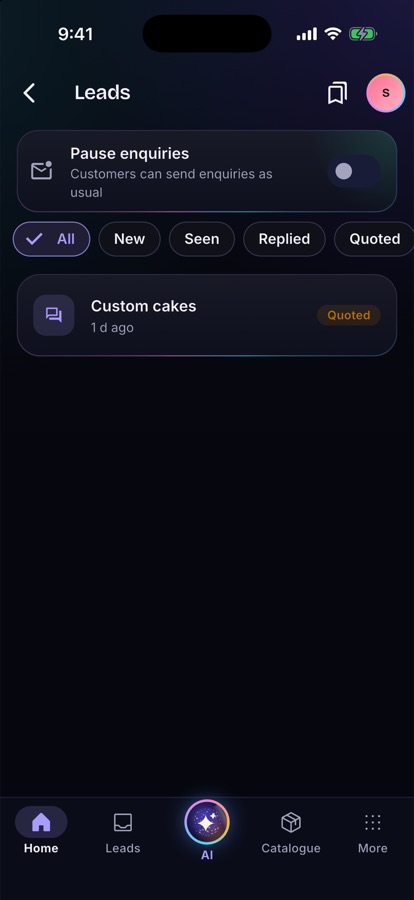
- 1Reply in the app; the customer's number shows once you reply.
- 2Mark the enquiry quoted, hired or declined.
- 3Confirm bookings or propose other times.
Where to find it: Enquiries tab · Chats · Bookings
▶ Video tutorial in the app: More › Tutorials
Quick chats and saved messages
Customers with Plus can ask you a quick question. Accept, answer, done. Replying is free.
- 1A request shows the customer's first question.
- 2Accept with a first reply, or decline if you are busy.
- 3New messages arrive live; the chat closes after 5 quiet minutes.
Where to find it: Enquiries › chat icon
Pause enquiries
Away or fully booked? Pause new enquiries for a while; customers see a short note.
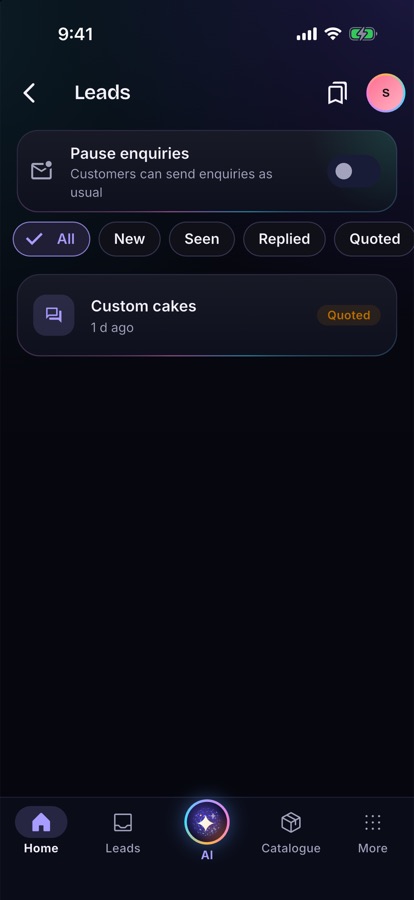
- 1Choose how long (up to 30 days) and an optional message.
- 2Resume any time from the same card.
- 3Enquiries sent meanwhile still land in your inbox, without alerts.
Where to find it: Enquiries › Pause card at the top
Calendar and bookings
Let customers book a time. You confirm, propose another time, or decline.
- 1Set your working hours and slot length in booking settings.
- 2New requests appear under Bookings.
- 3Confirm, propose a new time, or decline with a reason.
Where to find it: Leads › Bookings · More › Calendar
Your catalogue and albums
Show what you sell or do, with photos and prices.
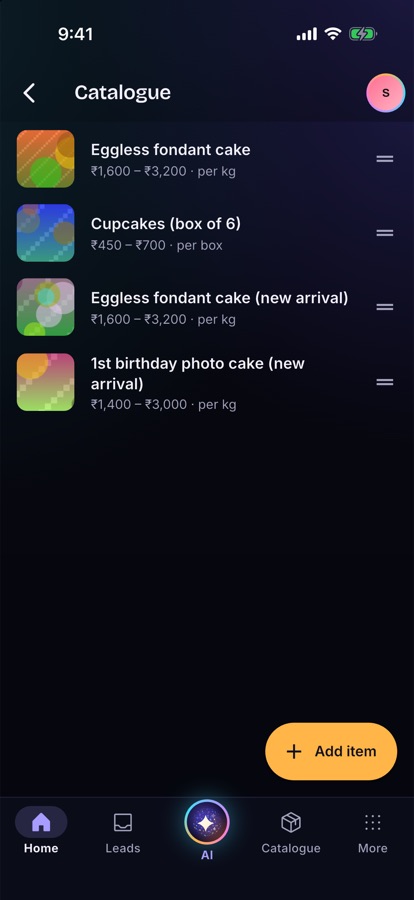
- 1Add items with a name, price and photos.
- 2Items show on your business page and in search.
- 3Group past work into albums.
Where to find it: Catalogue tab
▶ Video tutorial in the app: More › Tutorials
Insights
See how customers find you: views, enquiries, replies and what works.
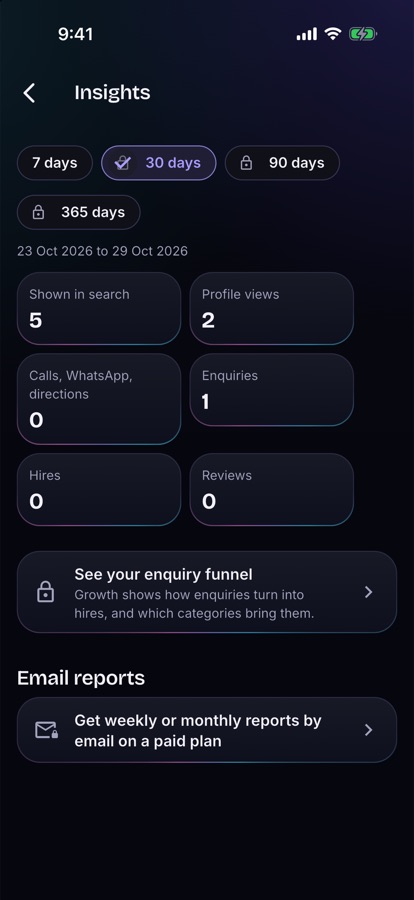
- 1Pick the period.
- 2Track views, enquiries and bookings over time.
- 3Your reply speed shows to customers; faster replies rank higher.
Where to find it: More › Insights · Home tiles
▶ Video tutorial in the app: More › Tutorials
Plans, perks and guaranteed views
Paid plans add perks such as more ad views each month and a higher place in the plan ladder.
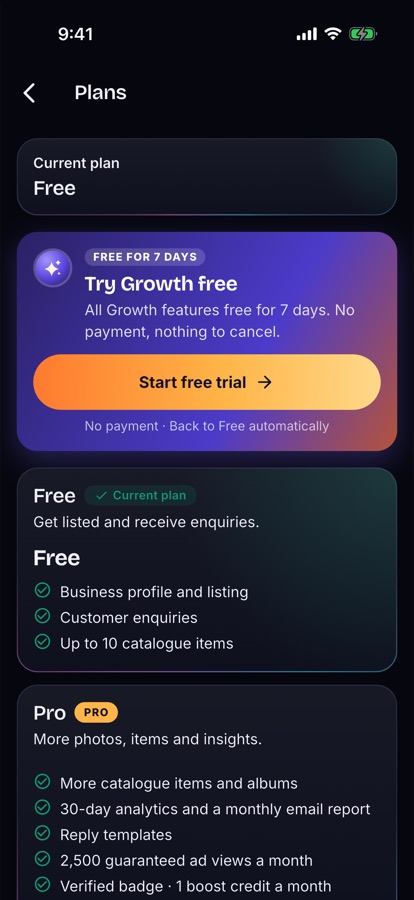
- 1See your current plan and what it includes.
- 2Guaranteed views: how many your ads got this month against your quota.
- 3Compare plans and upgrade when you are ready.
Where to find it: More › Plans
Ads and boosts
Promote your business or a post to people nearby. Ads are always marked Sponsored.
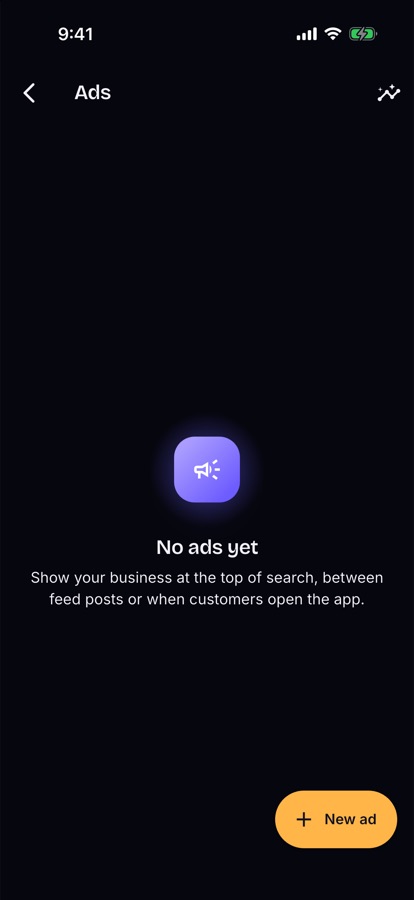
- 1Create an ad: picture, text, area and budget. It runs after a quick review.
- 2Watch views and taps while it runs.
- 3Enquiries that started from your ad are counted for you.
Where to find it: More › Ads · More › Boosts
Crew offers
Get picked for group jobs: our team adds you to a crew for a customer.
- 1Offers show the role, dates, place and pay.
- 2Accept or decline each offer.
- 3You hear when the customer confirms the crew.
Where to find it: More › Crew offers